Soluce · Mission
How to load the bags with Omar at the airport in Too Much Baggage?
With Jason, choose "Scope Out the Airport" in the preparation of VCIA Takedown. Find Omar at Vice City International Airport, follow him to the tractor, and drive the trailer to the airplane. On PlayStation, keep R2 with a suitcase and then release it when the gauge enters the indicated area.
Where does Jason’s day start at the airport?
Too Much Baggage is played with Jason in Chapter 4 of GTA 6. During the preparation for VCIA Takedown, select the meeting related to the airport, titled “Scope Out the Airport” in the English version. The route leads to Vice City International Airport, where Omar will oversee the new baggage handler. If you are following Nate with Lucia at Ajax Gym, then you are following another part of the preparation. Pick up Jason again and check his objectives before searching for a luggage-shaped icon among the free activities in Vice City.
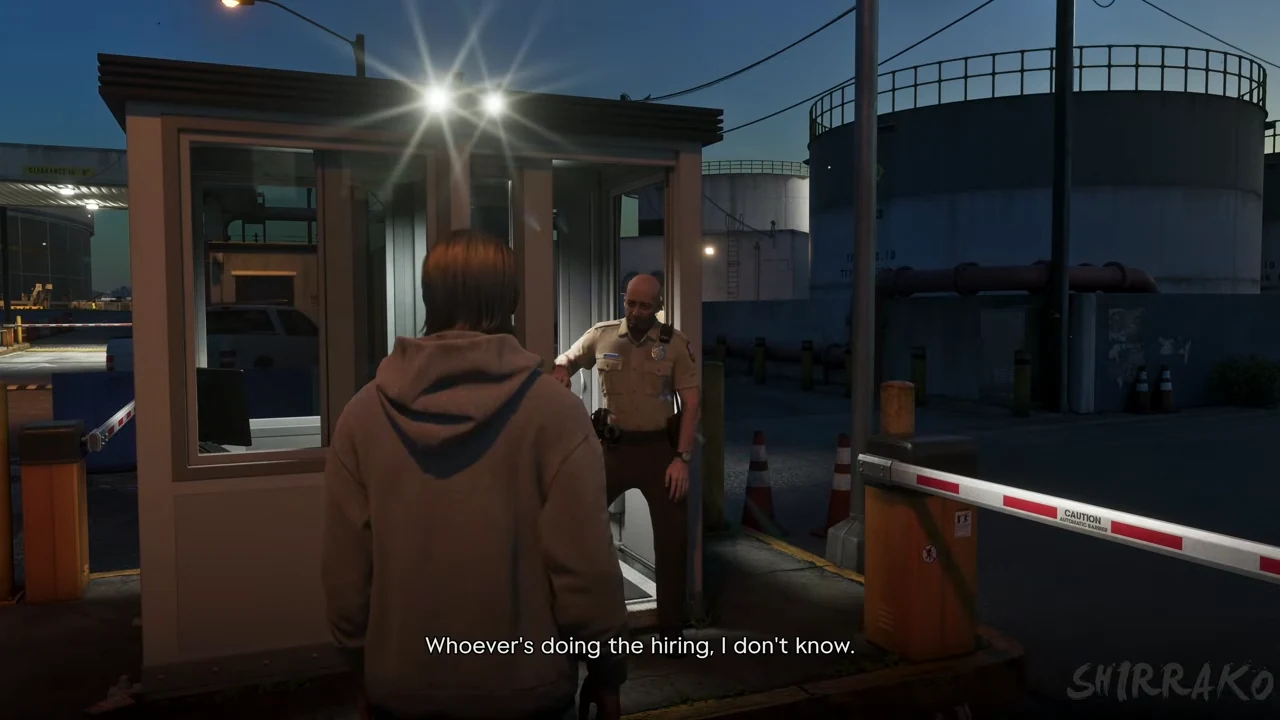
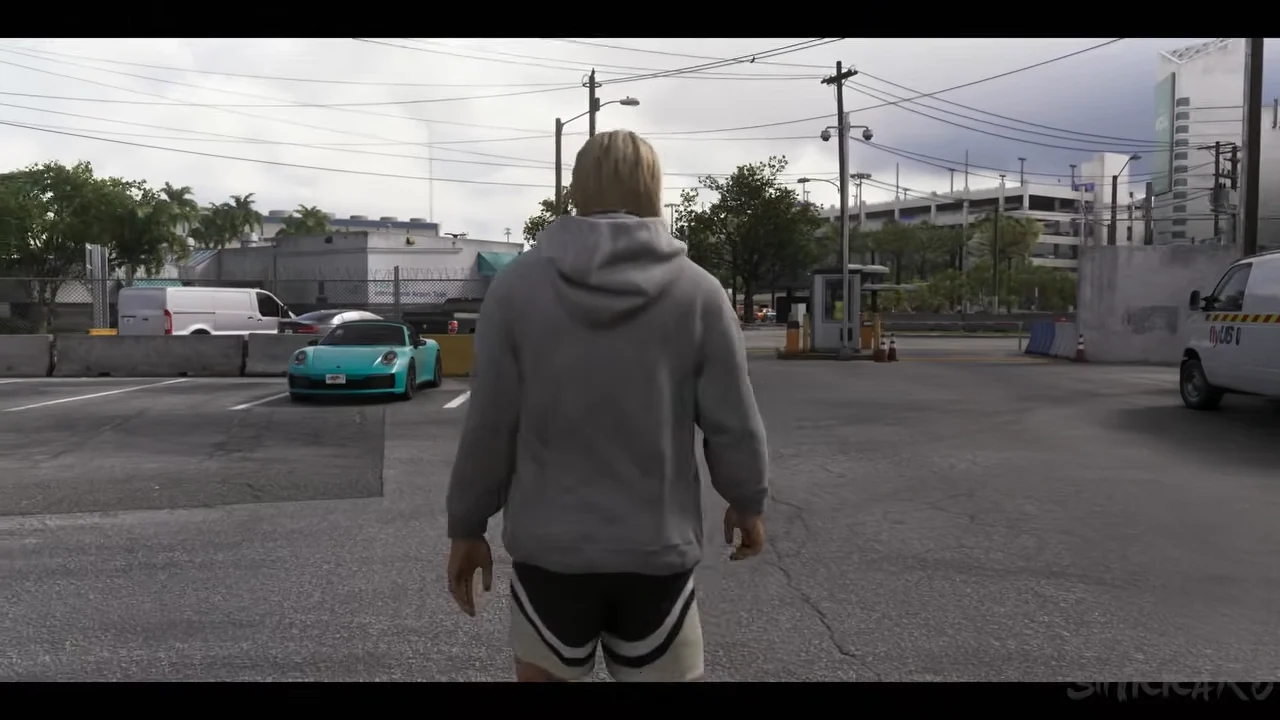
The first landmark in the journey is a walking meeting point, before any luggage handling takes place. In Shirrako’s part of the game, Jason arrives with his gray sweatshirt, near small buildings and a fence. He still wears his city clothes. This is important if you’re wondering where to buy a yellow vest to be accepted. The actual assignment happens during the mission. Arrive at the meeting point wearing the same clothes that Jason is wearing, and let the welcome dialogue set everything up. The work clothes will then become a great visual landmark.
The name of the mission relates to the luggage, but the airport is large enough for a random search to lead you away from the right place. A passenger terminal, a large airplane, or a runway visible in the open world aren’t enough to start the scene. Follow the instructions related to Jason’s preparation. When characters start talking about hiring people in those small buildings, you’re on the right track. You still don’t have anything to collect, deposit, or buy in this first interaction.
How to recognize Omar and follow his deployment?
At the end, let the conversation continue until the encounter with Omar. The characters introduce themselves, and the tone is that of a first day of interaction. Several phrases precede the actual departure. The footage shows Jason near the barrier, wearing his gray sweatshirt. Then the camera switches to Omar, who is seen driving the service vehicle. If you watch the scene without the subtitles, it’s easy to mistake this change in framing for the end of the dialogue. Wait until Jason and Omar are actually moving forward before looking for the next interaction.
During the following scene, the camera moves inside the vehicle. Omar talks about his job and the role that baggage handlers play in the airport. His name appears near the conversation interface in the recorded section. The description of your future job also serves as a transition to the equipment. As long as you are a passenger and the conversation continues, you are not yet driving the small tractor. The controls that the game will show later cannot advance this first visit to the airport, as it is still part of the dialogue.
The visit includes a covered passage, followed by an opening onto the area where the aircraft are parked. Watch for this change in lighting. On the way down, Jason wears a light vest with reflective strips, while Omar walks ahead of him. Follow him on foot until you reach the rolling equipment. This section is short, but it explains a common issue when only looking at the tractor under the wing of an aircraft. First, you need to let the two colleagues get to the place where they will pick up their equipment. Getting into the first ambient vehicle seen since the beginning of the visit is not the goal.
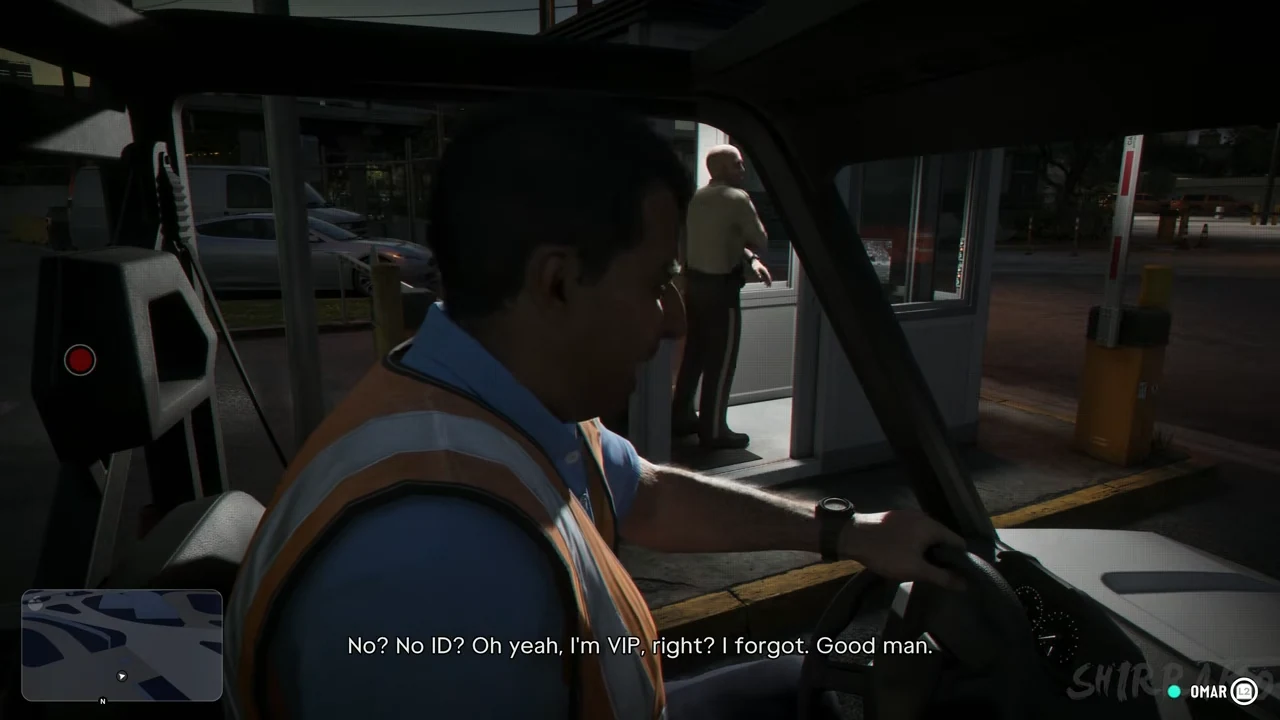
Which vehicle to choose, and how to find the right plane?
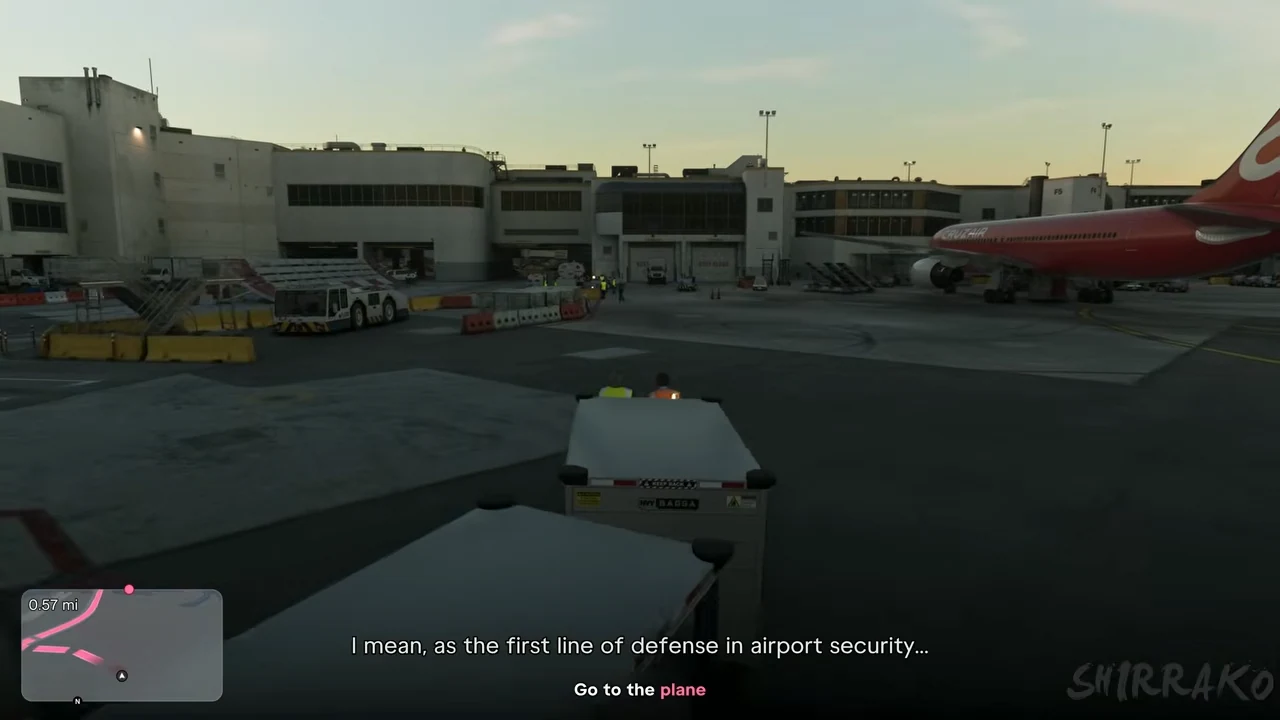
The work vehicle is a small tractor equipped with luggage storage compartments. It’s recognizable by its low silhouette, its clear body, and the trailers with compartments that are used together with it. The high-angle view in the video shows Jason and Omar loading the equipment onto the vehicle. Shortly after, the camera moves behind the small vehicle. The objective text then instructs us to proceed towards the airplane. This transition between these two views confirms that we are now moving from the exploration phase to the part of the mission where you have to transport the luggage yourself.
Use the route on the mini-map and the displayed distance to guide your progress. In the filmed section, there is still more than half a mile to cover, especially when large aircraft are already very close on screen. So, seeing an aircraft next to the tractor doesn’t mean you’ve reached the work site yet. Continue until you reach the exact marker. The mini-map shows turns like in a city, but the large buildings and parked vehicles give a very different sense of scale to the journey. Check the distance before descending.
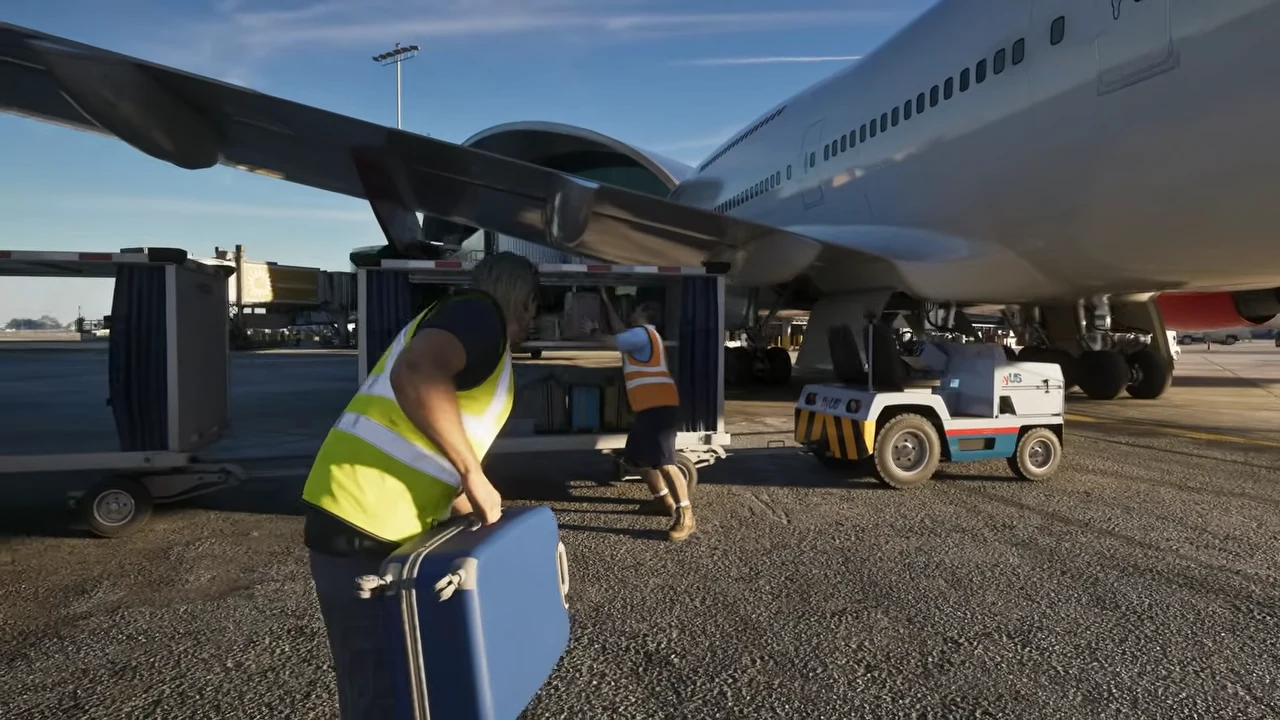
Near the destination, let the game align the next scene between the characters, the suitcases, and the trailers. The device is close enough so that its wing occupies a good portion of the frame. We can also see the landing gear behind the small tractor. If you are still in an alley between the buildings with the movement target on the screen, the loading actions are not yet available. If Omar speaks to you next to the suitcases placed on the ground, you have reached the stage where he shows you the action to perform.
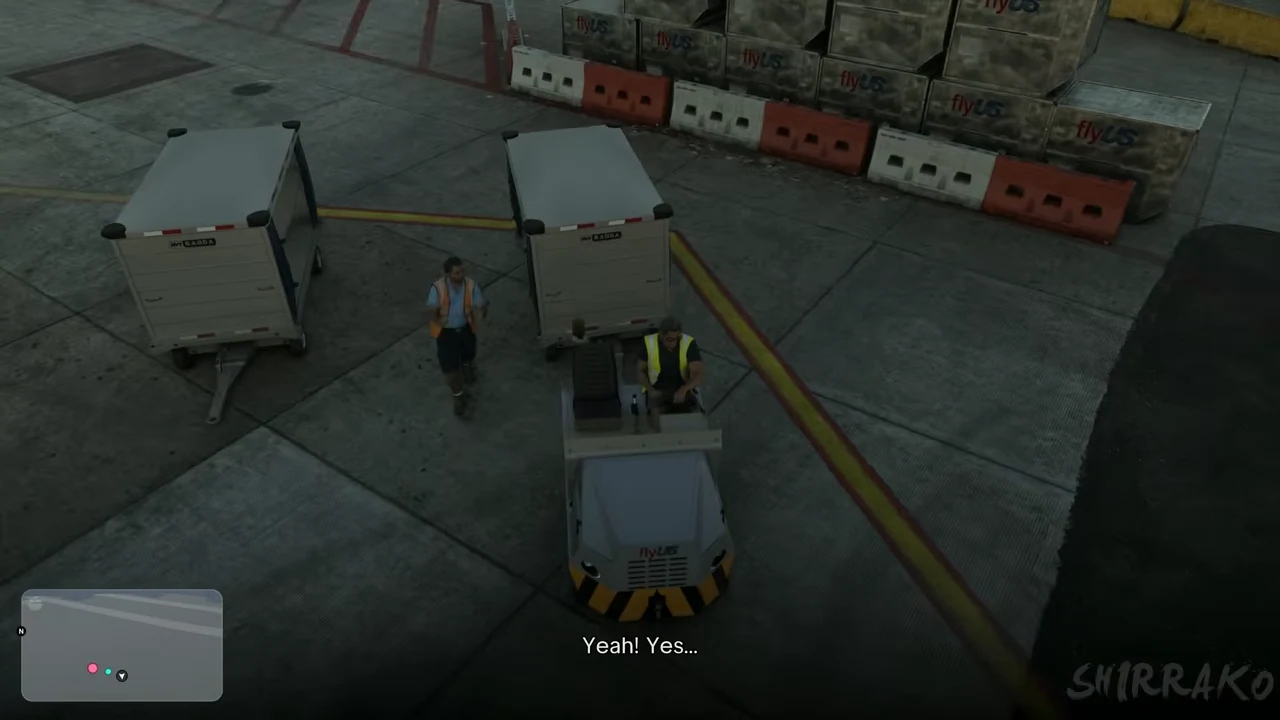
How do I load the suitcases into the trailer?
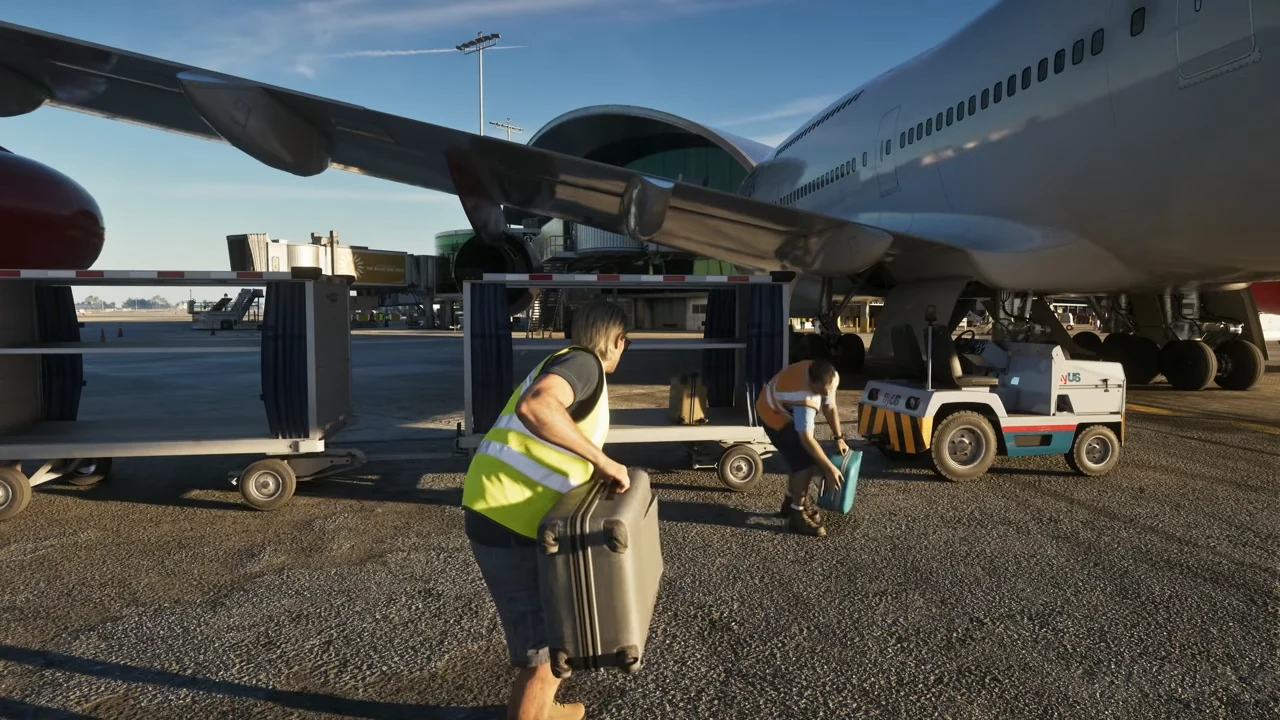
First, look at the open side of the trailer. It’s from here that you can see the progress of the loading process. The tractor remains attached to small compartments on wheels, where the luggage is gradually being placed. Omar explains the movement in two steps in the English version: lift and then slide. Pay attention to Jason and the suitcase he’s taking at that moment. The movement of the suitcase by his colleague shows that the collective movement continues, but it’s the object in the hands of your character that allows you to follow your own actions.
Capturing the items under the wing of the plane is particularly useful here. Jason is holding a large gray suitcase, while his colleague leans over a blue suitcase. The open compartment is right behind them. So, the equipment isn’t arranged like in a check-in counter at a terminal. There’s no need to look for a scale, a delivery mat for passengers, or a screen that requires a flight number. The station shown in the mission is the one for loading items at the base of the plane. The local prompts and Jason’s position are enough to follow the sequence of events.
On PlayStation, the tutorial provides a precise command to launch the luggage. Hold R2 to increase the gauge, then release it when the indicator enters the highlighted area. Success depends on the moment you release the trigger. Watch the gauge during the initial movement, and let Jason’s arm complete its movement before trying again. When Jason already has a luggage in hand, let the grip and deposit process complete before moving on to the next luggage. An anticipatory pressure can give the illusion that nothing is responding, even though the previous animation is still in progress. The video allows us to compare two moments that are separated by a few dozen seconds. In the first moment, Jason has a gray luggage in front of a compartment that is still clearly visible. In the second moment, he is holding a large blue luggage, and a colleague is still nearby.

Which suitcases should I take? And what is the purpose of their color?
The part involving Shirrako shows bags of various shapes and colors. Some are almost black, while others are blue or turquoise in color. Use these differences to visually identify the object that Jason is lifting, and the one that remains on the ground. The filmed progression shows several colors changing at the same loading point. So, you can rely on the prompt and the animation of picking up the bag, instead of waiting for a bag of a specific color to appear. The mission continues with the work of the day, the break, and the end of the service, without requiring you to check a list of passengers.
If you’ve lost track of the sequence after a pause, compare three elements in the scene. The first is Jason’s outfit, still wearing the yellow vest. The second is the immediate proximity to the plane and the trailers. The third is the presence or absence of an object in his hands. If he already has a suitcase, complete the action at that point. If he stands at the checkpoint, facing other luggage, and the game presents a new prompt, continue loading. If the camera has moved towards a building, the sequence of suitcases has already moved on to the next one.
The end of this task is announced by the scenario. In the recorded part, the camera moves a little back under the wing, and then the view shifts to the staff quarters. This change of location is more reliable than trying to replicate an exact number of bags seen in the video. The changes in perspective can make the counting approximate for someone watching. Just follow the instructions displayed in your section. When it tells you to continue the day, you can leave the trailer and continue with the other characters.
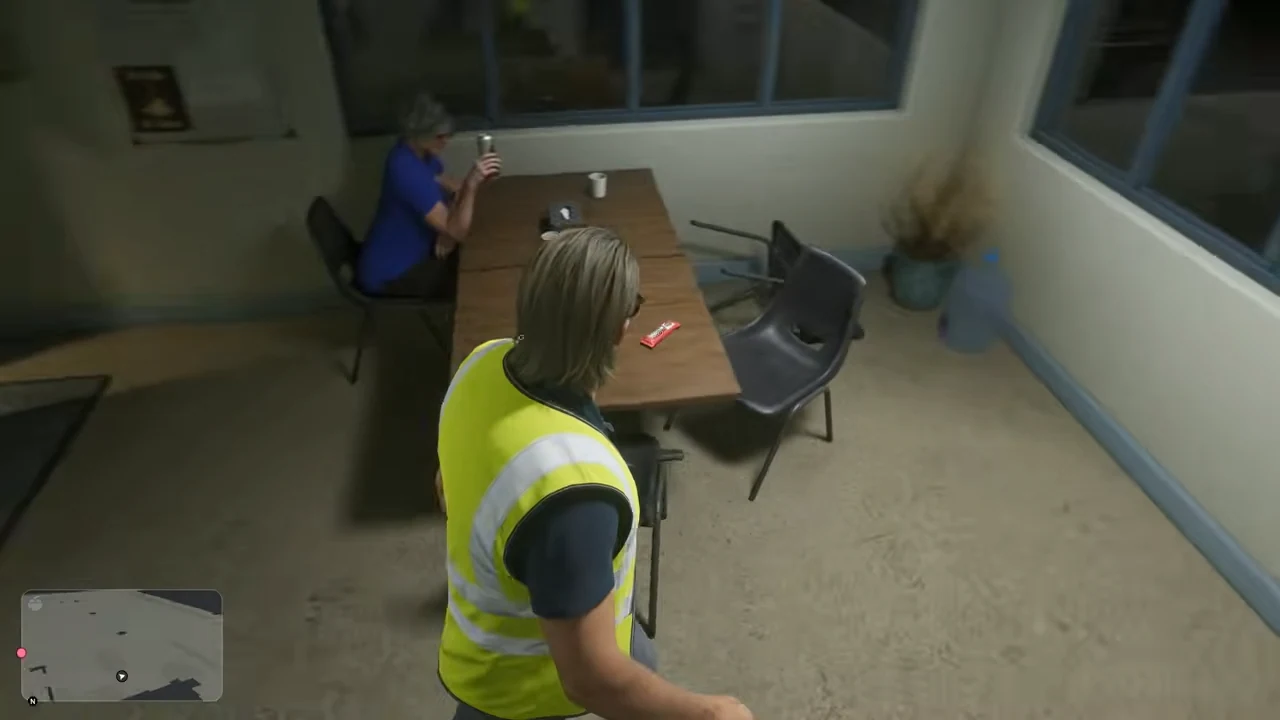
What should I do during my time in the staff’s premises?
After working at the foot of the plane, the mission takes Jason to a building belonging to the staff. The first room that appears in our captures is a break area with a table and chairs. Further ahead, an interaction takes place with an employee sitting there. The game provides its own scripted interactions. This area is still under Karim’s control. Read Jason’s invitation to change rooms, and let the conversations continue as they are meant to. The transition from the suitcases doesn’t open up another round of loading onto another plane.
To recognize this passage in the recording, look for the contrast between the warm light from the parking lot under the airplane and the cold lighting in the interior rooms. Jason always wears the same vest over his dark shirt. In a shot where he is seen from behind, colleagues are present around the table, and a door leads to the next passage. This view helps to determine whether you have already completed the loading process. If there are any objectives in the scenario that still require your response inside, then going back to the tractor won’t help you progress.
The conversations and interactions in this section connect the workday with the preparation of the chapter. You can locate yourself by looking at the name provided by the interface when Jason faces a character. If the game expects a dialogue interaction, aim at the indicated person while moving the camera, then read the options displayed on the screen. When the camera automatically follows the characters, let the conversation continue. Further along, you will find several employees under the light of the hangar. Their gathering indicates the final part of the service, and Jason returns outside.
How do I know when the baggage attendant mission is complete?
At the end of the sequence, Jason meets up with the employees again, and the game returns to the point where he was before. The outfit provides immediate confirmation. In the video, one shot shows him still wearing the vest next to a colleague, while another shot shows him outside, wearing a gray sweatshirt, with his car parked a few meters away. Between these two moments, the work area at the foot of the plane no longer becomes the focus of the scene. If you have already changed into casual clothes, going back to the trailers to retrieve one last suitcase no longer fits the mission.
The player then opens the map of the sector. This passage serves as a geographical reference if you want to reposition the airport and the rendezvous in Vice City. The image belongs to the end of the recorded part of the game, and opening the map remains a player-driven action. You can simply continue the story once the objective is confirmed in your save file. Check your preparation log to see which steps are still available with Jason or Lucia, rather than repeating all the menus that Shirrako opens between missions in his long recording.
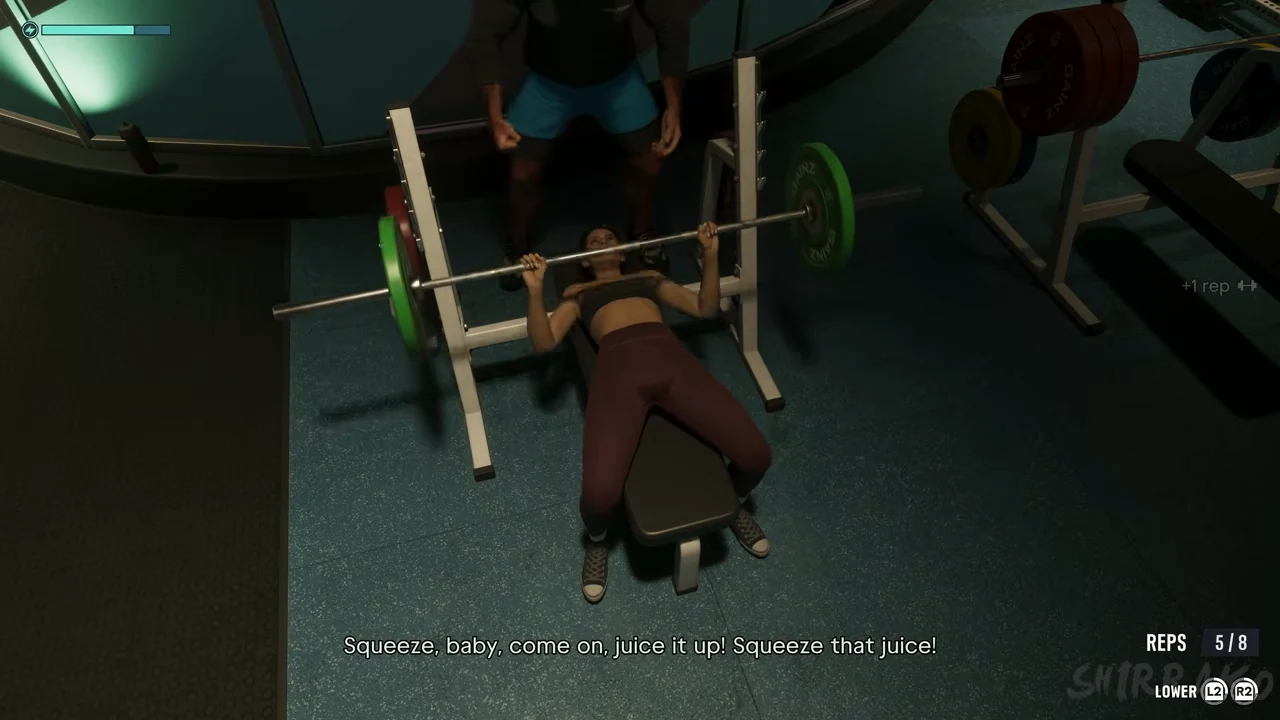
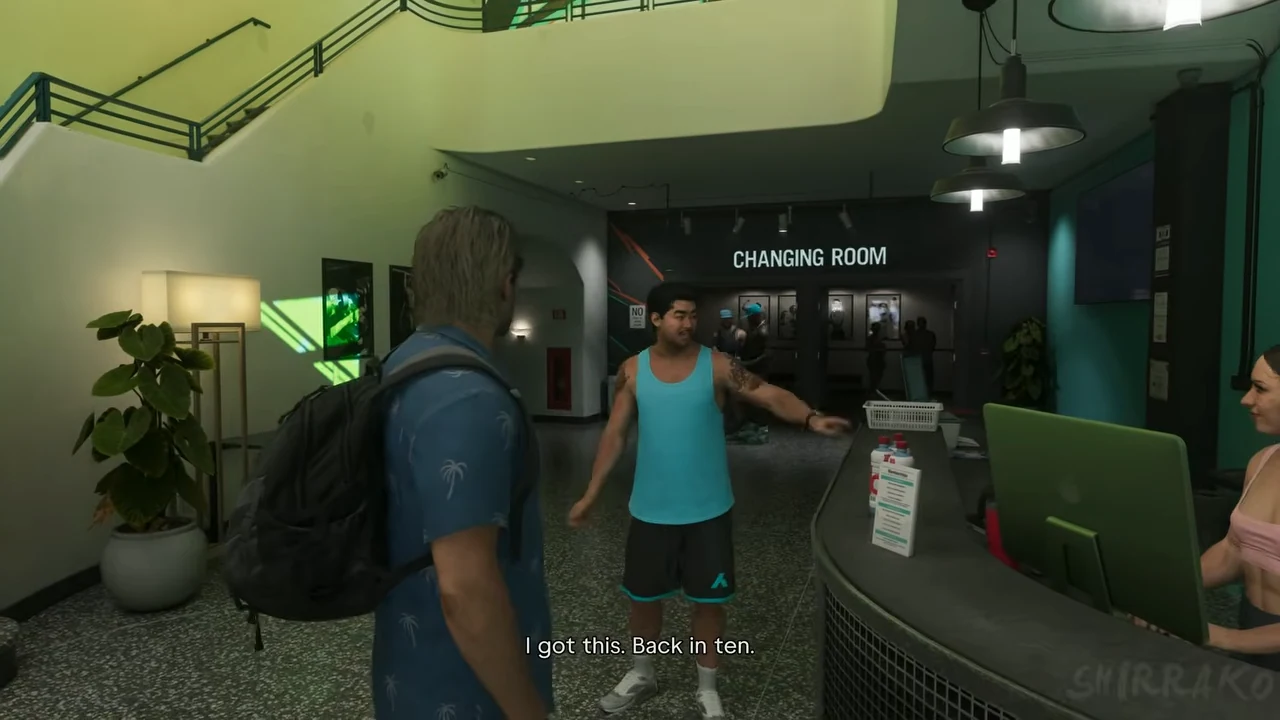
Too Much Baggage and Making Gainz refer to the same period in Chapter 4. Their presence on the list of objectives has two different meanings. Jason ends his day at the airport with Omar. Lucia develops her relationships with Nate at Ajax Gym. If you want to continue Jason’s story, check out his branch. If you try to trigger an exercise or find the Trauma Floor again, get Lucia and the gym card back. The return to casual clothing marks a good separation between these two characters in the story.
What time to start the game, depending on where you’re stuck?
For any startup issues, choose the scene from the welcome screen and compare the building, Jason’s clothing, and the conversation. For driving issues, open the route of the tractor, where the objective still indicates a distance to cover. For loading, look at the side view under the wing. The small tractor is parked in front of the plane; the trailer compartment is open, and both characters have luggage at their fingertips. These three images allow you to resume exactly from the mechanic’s change, which is what you’re interested in.
Finally, if your screen no longer shows either the plane or the suitcases, start from the area in the lounge or the exit area in city clothes. This is the best way to distinguish between objects that are still active in the premises of a chapter, and those that have already been returned to exploration. The baggage handler’s station is one of the few moments during this preparation where the game allows you to spend as much time as possible with an airport worker. Following Omar’s conversations gives meaning to the day, and the changes in objectives help to complete the day even when you learn the English vocabulary used in the job.
Frequently asked questions
How to start the bag with Jason?
On PlayStation, take the bag, hold down R2, and release when the gauge reaches the highlighted area. The video shows the tutorial just before the throws.
Where can I find Omar at the beginning of the mission?
With Jason, start preparing for the airport meeting related to VCIA Takedown. Meet at the employee reception desk, and let the conversations continue until you leave with Omar.
Which vehicle is used to transport the suitcases?
Take the small tractor with its trailer for luggage, and follow the target until you reach the plane on the tarmac.